
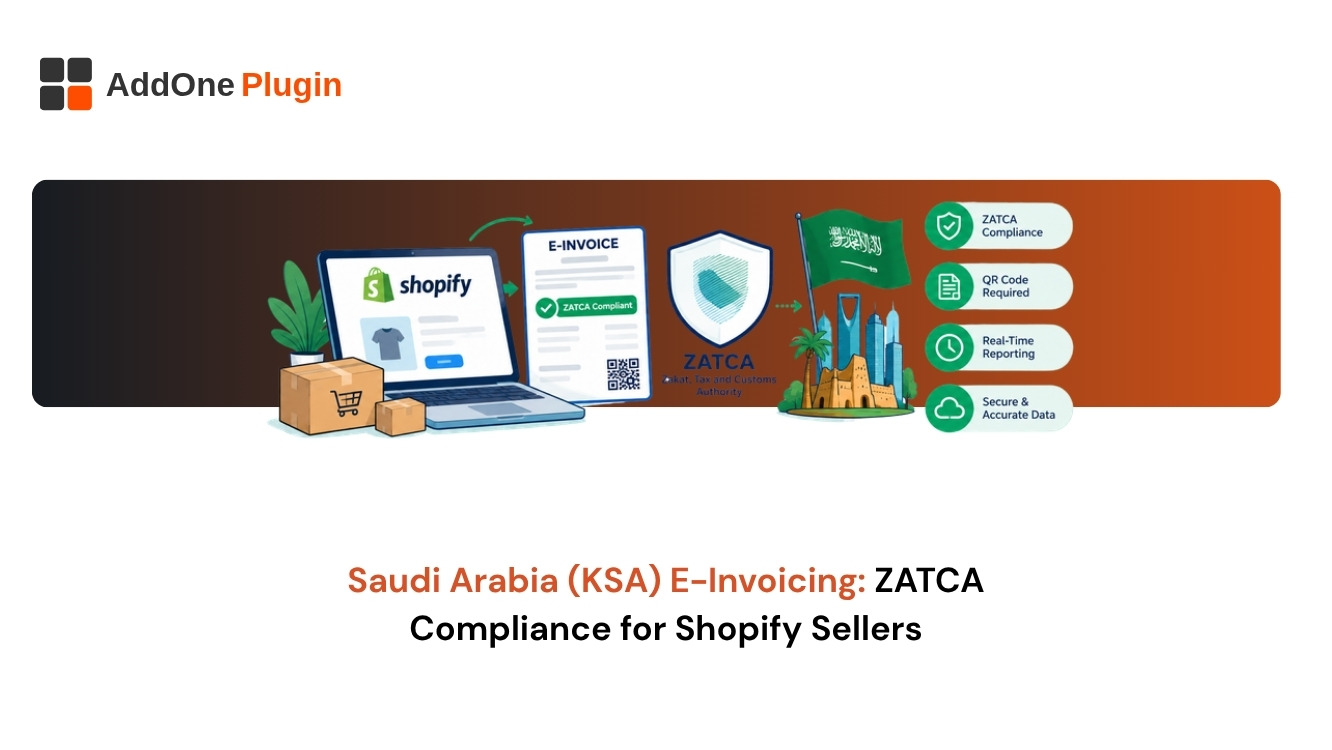
A Shopify order shipped to Riyadh can turn into a compliance problem the moment you issue the invoice. Saudi Arabia’s tax authority no longer treats an invoice as a PDF you email after checkout. If you sell into the Kingdom, ZATCA e-invoicing for Shopify stores means structured XML, QR codes, cryptographic stamps, and real-time communication with the Fatoora platform. Shopify does none of this out of the box.
This guide explains what ZATCA expects, where Shopify falls short, and how to close the gap step by step. You will leave with a clear path to compliant invoicing, so you can keep selling in Saudi Arabia without rejected invoices or penalties.
What Is ZATCA E-Invoicing and Why Does It Matter for Shopify Sellers?
ZATCA e-invoicing is Saudi Arabia’s mandatory electronic invoicing system, run by the Zakat, Tax and Customs Authority. It requires VAT-registered businesses to issue structured digital invoices with a QR code and, in its second phase, to connect their invoicing systems to ZATCA’s Fatoora platform.
For Shopify sellers, the stakes are practical. Your store generates orders, but ZATCA cares about the invoice document, how it is formatted, and how it reaches the authority. Understanding the two phases and who they apply to is the first step to a compliant setup.
Phase 1 (Generation) vs. Phase 2 (Integration)
Phase 1, the generation phase, requires you to produce and store e-invoices in a structured electronic format, with a QR code, and to prevent tampering or deletion. Handwritten or edited-after-the-fact invoices no longer qualify.
Phase 2, the integration phase, goes further. Your invoicing solution must communicate with ZATCA’s systems through APIs. Standard invoices (business-to-business and business-to-government) go through clearance, meaning ZATCA validates and stamps them before you share them with the buyer. Simplified invoices (business-to-consumer) go through reporting, meaning you send them to ZATCA within 24 hours of issuing them.
Which Sellers Must Comply
The rules apply to VAT-registered taxable persons resident in the Kingdom. Phase 2 rolled out in waves, with ZATCA selecting businesses by turnover and notifying them in advance.
If you sell from outside Saudi Arabia, confirm your registration status with a Saudi tax advisor before building anything. Actionable takeaway: check your VAT registration and look for a wave notice in your ZATCA account.
What Does a ZATCA-Compliant Invoice Require?
A ZATCA-compliant invoice is a structured electronic document that carries the mandatory tax data fields, a QR code, and, for Phase 2, a cryptographic stamp. It must be generated in XML format, support Arabic content, and be stored in a way that prevents alteration.
Every element exists to make invoices verifiable and tamper-evident. If your Shopify store produces only a styled PDF, it covers none of them.
Mandatory Invoice Fields and XML Format
Compliant invoices carry specific data: seller and buyer details, VAT registration number, invoice number and issue date, line items, taxable amounts, and the VAT amount. Phase 2 requires the data in a structured XML format defined in ZATCA’s technical specifications, with a human-readable version alongside it.
Arabic must appear on the invoice. Many sellers print both Arabic and English. Actionable takeaway: map every Shopify order field to a ZATCA field before you pick a tool, so you spot data you do not currently collect, such as buyer VAT numbers for B2B orders.
QR Code, Cryptographic Stamp, and Invoice Hash
The QR code encodes key invoice data so anyone can verify it. For cleared invoices, ZATCA generates the stamp and QR code. For reported invoices, your solution generates them using a certificate issued during onboarding.
Invoices also link to one another through sequential counters and hash values, which makes gaps or edits visible. This is why you cannot patch a document after issuing it. You issue a credit or debit note instead.
Simplified (B2C) vs. Standard (B2B) Invoices
Most Shopify stores sell to consumers, which means simplified invoices and the reporting model. The invoice reaches your customer first, then goes to ZATCA within 24 hours.
If you also take B2B orders, standard invoices require clearance before they go to the buyer. That adds a real-time dependency to your checkout or fulfillment flow. Plan for both paths if you run wholesale alongside retail.
Why Doesn’t Shopify Meet ZATCA Requirements on Its Own?
Shopify generates order confirmations and basic invoices, but it does not produce ZATCA-format XML, generate compliant QR codes and cryptographic stamps, or connect to Fatoora. Closing that gap takes an app, middleware, or a custom integration that sits between your store and ZATCA.
The gaps show up in three places: the document, the data, and the connection.
Gaps in Shopify’s Default Invoices
Shopify’s default order documents lack the structured XML, the cryptographic stamp, the invoice counter and hash chain, and the credit note logic ZATCA expects. They also cannot call ZATCA’s clearance or reporting APIs.
Editing the PDF template does not fix this. The compliance logic lives in how the invoice is generated, signed, and transmitted, not in how it looks.
Arabic Language and VAT Handling Challenges
Saudi VAT is charged at a standard rate, and your store needs to calculate, display, and report it correctly per line item. Tax-inclusive pricing, shipping charges, and discounts all need consistent treatment so the totals ZATCA validates match what the customer paid.
Arabic support adds another layer, including right-to-left layout and correct rendering of names and addresses. Test with real Arabic customer data, not placeholder text.
How Do You Make Your Shopify Store ZATCA Compliant?
To make a Shopify store ZATCA compliant, onboard an e-invoicing solution with ZATCA’s Fatoora portal, connect it to Shopify, test in the sandbox, and go live with clearance or reporting running automatically. You then handle refunds through credit notes rather than edits.
Follow these steps in order.
Step 1: Onboard Your Solution on the Fatoora Portal
Log in to the Fatoora portal with your taxpayer account and register the e-invoicing solution unit that will issue your invoices. You obtain a one-time code, then use it to request the cryptographic certificate (CSID) that lets your system sign and submit invoices.
Keep your onboarding credentials and certificates secure. Losing them stalls your invoicing. Actionable takeaway: assign one named owner for the Fatoora account before you start.
Step 2: Connect Shopify to a Compliance Tool
Choose a compliant solution that reads your Shopify orders through the API, generates ZATCA-format invoices, signs them, and communicates with ZATCA. Options include a Shopify app built for ZATCA, a middleware platform, or a custom integration.
Check whether the tool covers refunds, multi-location stock, and B2B orders if you need them. If you want help choosing a solution, start with our Shopify apps.
Step 3: Test in the Sandbox Before Going Live
ZATCA provides a sandbox environment for testing onboarding, clearance, and reporting without affecting real tax records. Run orders through every scenario you expect: standard sale, discounted sale, shipping charge, B2B order, and refund.
Fix every validation error before you go live. A rejected live invoice is a customer-facing problem.
Step 4: Handle Refunds, Credit Notes, and Debit Notes
You cannot edit or delete an issued invoice. When a customer returns an item, your system issues a credit note that references the original invoice and sends it through the same clearance or reporting flow. Price corrections that increase the amount use debit notes.
Map Shopify refund events to credit notes automatically, including partial refunds. This is where manual workarounds break first.
How Add One Plugins Automates ZATCA Invoicing for Shopify
We connect your Shopify store to the invoicing and compliance layer ZATCA requires, so each order produces a valid invoice without anyone retyping data. The goal is simple: your team keeps selling, and compliance runs in the background.
Every store has different order flows, so we scope the integration to match yours.
What Our Integration Handles for You
We map Shopify order, customer, and tax data to the fields ZATCA requires, and we set up invoice generation, signing, and submission. We also handle credit note logic for refunds and build monitoring so failed submissions surface before they pile up.
The result is a single workflow from checkout to cleared or reported invoice, with a clear audit trail.
What a Typical Setup Looks Like
A typical project starts with a review of your order flow, VAT setup, and customer types. We then configure onboarding, build and test the integration in the sandbox, and move to live production with monitoring in place.
Ready to get compliant without disrupting your store? Let’s talk about how Add One Plugins can help.
What Are the Most Common ZATCA Mistakes and Penalties?
The most common ZATCA mistakes are missing mandatory fields, mismatched tax totals, unsupported refund handling, and sending invoices late. Each can trigger rejections or fines.
Catching these early is cheaper than fixing them after ZATCA flags them.
Frequent Rejection Reasons
Validation failures usually trace back to a short list: a missing or malformed buyer or seller VAT number, line totals that do not sum to the invoice total, incorrect VAT category codes, and invalid date formats. Late reporting of simplified invoices past the 24-hour window is another frequent cause.
Build a daily check of rejected or pending invoices into your routine.
How to Avoid Non-Compliance
Use the sandbox for every change, not just the first launch. Log every submission and response, and alert on failures. Keep a written procedure for refunds so nobody edits an issued invoice by hand.
If you also sell in other regions, compare the approach with our guides on Shopify invoicing for Canadian sellers and Shopify invoicing for New Zealand sellers. You can also see how to automate Shopify invoices in Sage 50.
Conclusion
ZATCA compliance comes down to three things: a structured invoice, a verified connection to Fatoora, and a reliable process for refunds and failures. Shopify handles your orders well, but it needs a compliance layer to handle the rest.
Start by confirming your registration and wave status, then choose a tool, test in the sandbox, and go live with monitoring. If you want a faster path, get a free consultation to see how ZATCA e-invoicing for Shopify can run on autopilot for your business. Get this right once, and Saudi Arabia becomes a market you can grow in with confidence.