
A parcel leaves your warehouse in Ontario for a customer in British Columbia, and suddenly your invoice needs to show the right tax, the right registration number, and the right breakdown. Shopify invoicing in Canada gets complicated fast, because the tax you charge depends on where the customer is, not where you are. Get it wrong and you risk lost input tax credits, audit headaches, and unhappy B2B buyers.
This guide explains how GST, HST, PST, and QST work, what a Canadian invoice must include, where Shopify’s defaults fall short, and how to set up compliant invoices. You will also learn the mistakes that trip up Canadian sellers most often.
How Do GST, HST, PST, and QST Work for Canadian Shopify Sellers?
GST is a 5 percent federal tax charged across Canada. Some provinces combine it with a provincial portion in a single harmonized tax (HST), while others charge a separate provincial sales tax (PST or RST), and Quebec charges QST. The rate you charge depends on the customer’s province.
The structure is easier once you separate federal from provincial.
Federal vs. Provincial Tax Basics
The federal government collects GST/HST through the Canada Revenue Agency (CRA). Provinces with HST let the CRA collect both parts together. British Columbia, Saskatchewan, and Manitoba run their own PST or RST systems with separate registration, and Quebec’s QST is administered by Revenu Québec.
Only GST/HST is eligible for input tax credits in the usual way. Provincial sales taxes follow different rules. That difference is why invoices must show each tax separately.
Which Provinces Use HST, and Which Use GST Plus PST or QST
Ontario charges 13 percent HST. New Brunswick, Newfoundland and Labrador, and Prince Edward Island charge 15 percent HST. Alberta charges 5 percent GST only. British Columbia adds 7 percent PST, Saskatchewan adds 6 percent PST, Manitoba adds 7 percent RST, and Quebec adds QST on top of GST.
Rates change, so confirm them against official sources before you configure your store. Actionable takeaway: list each province you ship to and write down which taxes apply.
What Must a Canadian Tax Invoice Include?
A Canadian tax invoice must include the supplier’s name, the date, and the total, plus more detail as the amount rises: your GST/HST registration number and tax details at mid-range amounts, and the buyer’s name, a description, and the tax amounts at higher amounts. The CRA sets these requirements in tiers.
Registered businesses that claim input tax credits depend on these details, so your B2B customers will notice gaps.
Required Details by Sale Amount
For totals under $30, the invoice needs your name, the date, and the total amount. From $30 up to $150, add your GST/HST registration number and either the tax amount or a statement that tax is included. At $150 and above, also include the buyer’s name, a description of the goods or services, and the GST/HST amounts by rate.
The thresholds apply to the total including tax. Always confirm the current wording on the CRA site.
Registration Numbers and Tax Breakdown Display
Show your GST/HST registration number on every invoice that requires it. If you collect QST or PST, display those registration numbers where required.
Show each tax on its own line with its rate and amount, such as GST, PST, or HST. A single combined tax line creates problems for customers claiming credits.
Selling in the Asia-Pacific region too? Compare these rules with our guide to Shopify invoicing for New Zealand sellers.
How Does Shopify Handle Canadian Taxes?
Shopify includes tax settings for Canada and can apply the correct rates by province, but its default order documents often omit what a compliant invoice needs, such as registration numbers and tax lines in the right format. Treat Shopify as the tax calculator, and invoicing as a separate task.
Know where the gaps appear.
Tax Settings and Automatic Rates
In Shopify’s tax settings, you enter your tax registrations, and Shopify applies rates based on the shipping destination. You can choose whether prices include tax, and set overrides for specific products or collections.
Review the settings after any rate change, and test orders to each province you serve.
Where Shopify’s Default Invoices Fall Short
Default order confirmations and packing slips are not built as tax invoices. They may lack your registration number, a line-by-line tax breakdown, or the fields needed for higher-value B2B sales.
Customers who claim input tax credits will ask for a proper invoice. Plan for that from the start.
How Do You Set Up Compliant Shopify Invoicing in Canada?
To set up compliant Shopify invoicing in Canada, configure your tax registrations and rates, customize an invoice template with the required fields, handle shipping and cross-province sales correctly, and issue credit notes for refunds. Test every province you sell into.
Follow these steps.
Step 1: Configure Tax Registration and Rates
Register for GST/HST once your taxable sales exceed the small supplier threshold of $30,000 over four consecutive calendar quarters, or earlier if you choose. Register for provincial taxes where required.
Enter your registrations in Shopify, confirm automatic rates, and decide whether prices display tax-inclusive or tax-exclusive.
Step 2: Customize Your Invoice Template
Use an invoice app or custom template that shows your legal name, registration numbers, invoice date and number, buyer details for larger amounts, itemized lines, each tax with its rate and amount, and the total.
Add payment terms for B2B orders. If you would rather not maintain templates by hand, try InvoiceForge, our Shopify invoicing app.
Step 3: Handle Shipping, Digital Goods, and Cross-Province Sales
For shipped goods, tax generally follows the delivery destination. Shipping charges are usually taxed at the same rate as the goods they accompany. Digital products follow place-of-supply rules based on the customer’s location.
Exports to customers outside Canada are generally zero-rated for GST/HST, which means 0 percent with the sale still reported. Check the rules for your product type.
Step 4: Manage Refunds and Credit Notes
Issue a credit note for each refund, showing the original invoice reference and the tax returned, split by tax type. Partial refunds need the same treatment, proportioned across the taxes.
Sync credit notes to your accounting system so your returns reconcile.
How Add One Plugins Simplifies Shopify Invoicing for Canadian Sellers
We automate the invoice itself, so each Canadian order produces a document with the right tax lines, the right registration numbers, and the right layout for your customer type. Your team stops fixing invoices by hand.
We cover both the document and the data behind it.
Automated Invoices with Correct Tax Breakdowns
We set up invoice generation that reads each order’s province, tax lines, and totals, and applies your template rules. B2B orders can carry the extra fields that higher-value invoices need.
Syncing Tax Data to Your Accounting Software
We connect invoice and tax data to your accounting system, so GST/HST, PST, and QST land in the correct accounts and your returns start from clean numbers.
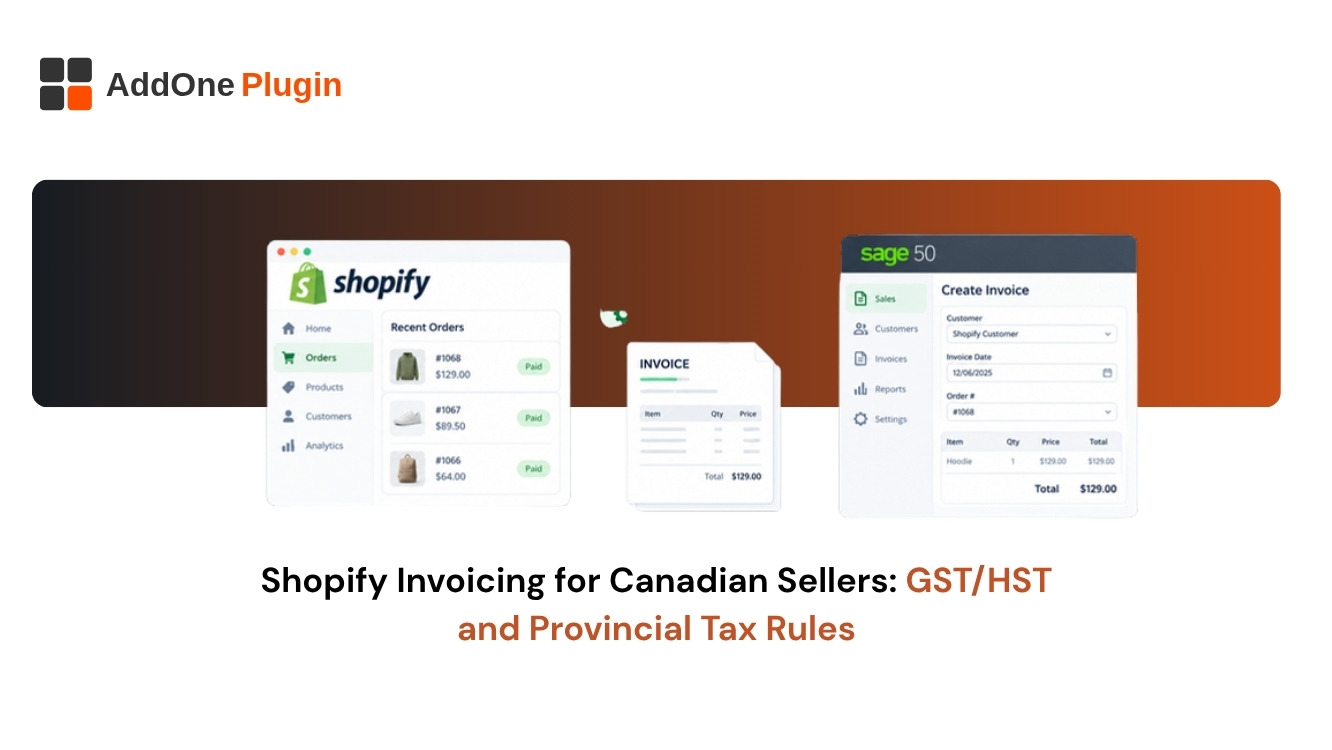
For a worked example, see how to automate Shopify invoices in Sage 50.
Get a free consultation to see how automated invoicing can simplify tax compliance for your Canadian store.
What Common Mistakes Should Canadian Sellers Avoid?
The common mistakes are applying the wrong place-of-supply rules, leaving off registration numbers, and inconsistent rounding across invoices and returns. Each can cause rejected input tax credits or return corrections.
Check these before your next filing.
Wrong Place-of-Supply Rules
Charging tax based on your own province instead of the customer’s province is the most common error. Review your settings by destination, and test an order to each province.
Digital goods and services follow their own rules, so do not assume the same logic applies to every product.
Missing Registration Numbers and Inconsistent Rounding
An invoice without a registration number can disqualify the buyer’s credit claim. Add the number to the template, and confirm it prints on every order.
Rounding differences between line-level and order-level tax calculations create small mismatches that add up at filing time. Pick one method and apply it everywhere.
Conclusion
Canadian invoicing rests on three habits: charge tax by the customer’s province, show each tax and registration number clearly, and issue credit notes for every refund. Shopify calculates the tax, and your invoice process makes it compliant.
Audit your settings by province, upgrade your invoice template, and sync the data to your books. If you want this handled for you, get a free consultation to see how Add One Plugins can automate compliant Shopify invoicing for your Canadian business. Clean invoices today mean fewer problems at tax time.