
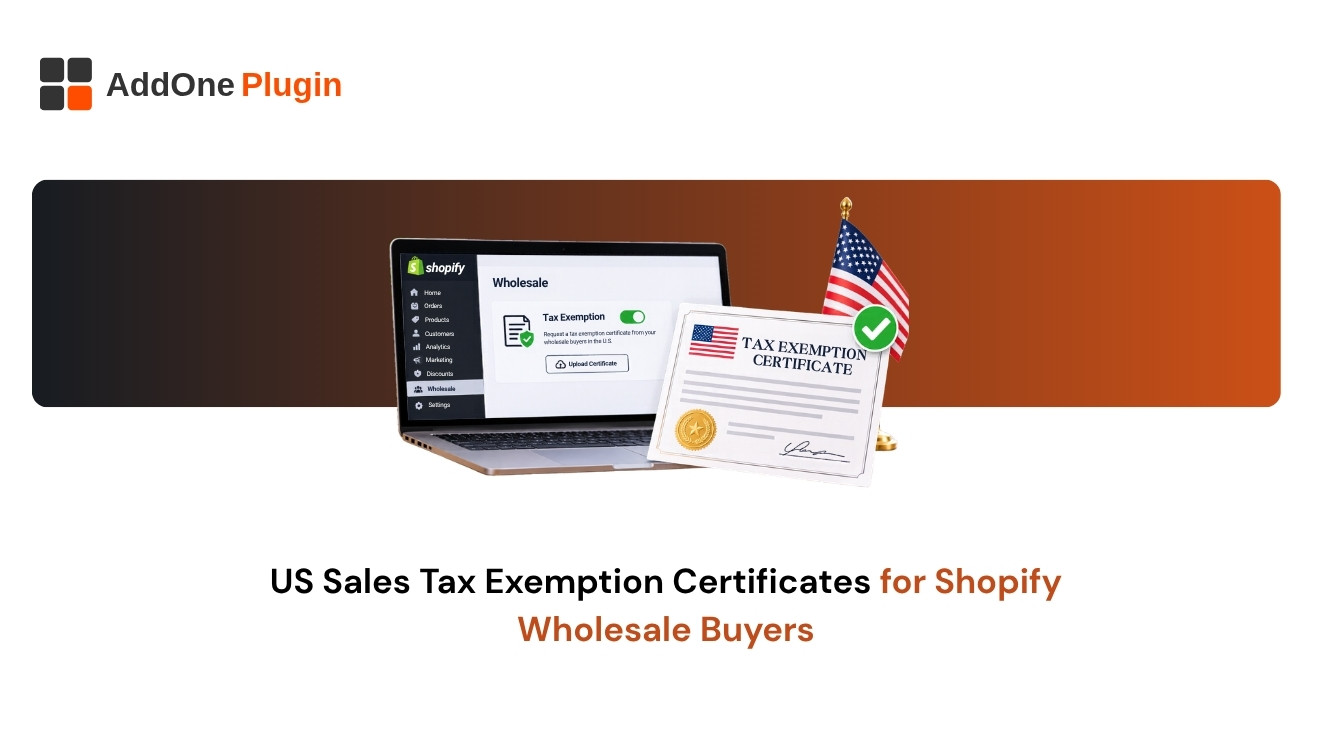
A wholesale buyer emails you a resale certificate and asks you not to charge sales tax. You can mark them as tax exempt in Shopify, but that is only half the job. You also need to collect the certificate, store it for audits, and make sure the invoice reflects the exemption. Handling Shopify tax-exempt customers well protects you if a state auditor ever asks why tax was not collected.
This guide covers who qualifies, how to set exemptions in Shopify, how to manage certificates and what your invoices should show.
What Is a Tax-Exempt Customer on Shopify?
A tax-exempt customer is a buyer you do not charge sales tax, because the law exempts them or the sale. In Shopify you mark the customer so that tax is not added at checkout. The exemption itself is a legal status, not a Shopify setting.
Who qualifies: resellers and other exempt buyers
Common cases include businesses buying goods to resell, certain nonprofits and government bodies. Rules vary by US state, so the same buyer may be exempt in one state and not in another. Confirm with your tax adviser before you stop charging tax.
Exemption vs zero-rated vs VAT-exempt
These terms are different. A US sales tax exemption removes the tax on a qualifying sale. A zero-rated sale in a VAT system still counts as a taxable supply at 0%. VAT-exempt can mean the supply is outside the scope of VAT. If you also sell in VAT countries, read our guide to VAT-exempt B2B customers on Shopify.
How to Set Up Tax-Exempt Customers on Shopify
You can handle exemptions at the customer level or through tax overrides. Pick the method that matches how many exempt buyers you have.
Marking a customer as tax exempt
Open the customer record in your Shopify admin and look for the setting that collects tax, then turn it off for that customer. Shopify’s Help Center describes the current steps, and labels change over time.
Tax overrides and exemptions
Shopify also offers tax overrides, which change the tax rate on certain products, shipping or locations. Overrides are different from customer exemptions, so use them for product or location rules rather than for individual buyers.
Using an app to collect certificates
Apps can ask buyers to upload a certificate, route it for approval and apply the exemption automatically once approved. Compare apps on certificate storage, state coverage and how they sync with your orders.
How Do You Collect and Store Exemption Certificates?
You collect and store certificates by requesting a completed exemption form from each buyer before you stop charging tax, then keeping a copy tied to their account. The certificate is your proof if the exemption is questioned.
What to ask for
Ask for a signed certificate that names the buyer, their tax or registration number, the state, and the reason for exemption. Check the expiry date, because some certificates lapse.
Keeping records for audits
Store each certificate where you can find it by customer and date. Keep it for the retention period your state requires, and review it on a schedule so you do not rely on expired paperwork.
What Should a Tax-Exempt Invoice Show?
The invoice should make it obvious that no tax was charged and why. That prevents confusion and supports your audit trail.
Exemption reason and certificate reference
Print a short exemption note and, where useful, the certificate reference or the buyer’s registration number. Show tax as zero rather than omitting the line.
Automating it with InvoiceForge
InvoiceForge reads the order’s tax status, so a tax-exempt order produces an invoice with no tax added. Try the free plan with a wholesale test order, and see our Shopify wholesale invoicing setup guide for the wider workflow.
Next Steps
Get the paperwork in order before you switch off tax for any buyer.
Exemption setup checklist
- Confirm the buyer qualifies in the relevant state.
- Collect and file a signed certificate.
- Mark the customer exempt in Shopify.
- Check the invoice shows zero tax and a note.
- Review certificates on a schedule.
Related guides
Read how to show prices excluding VAT to B2B buyers and Shopify wholesale invoicing.