
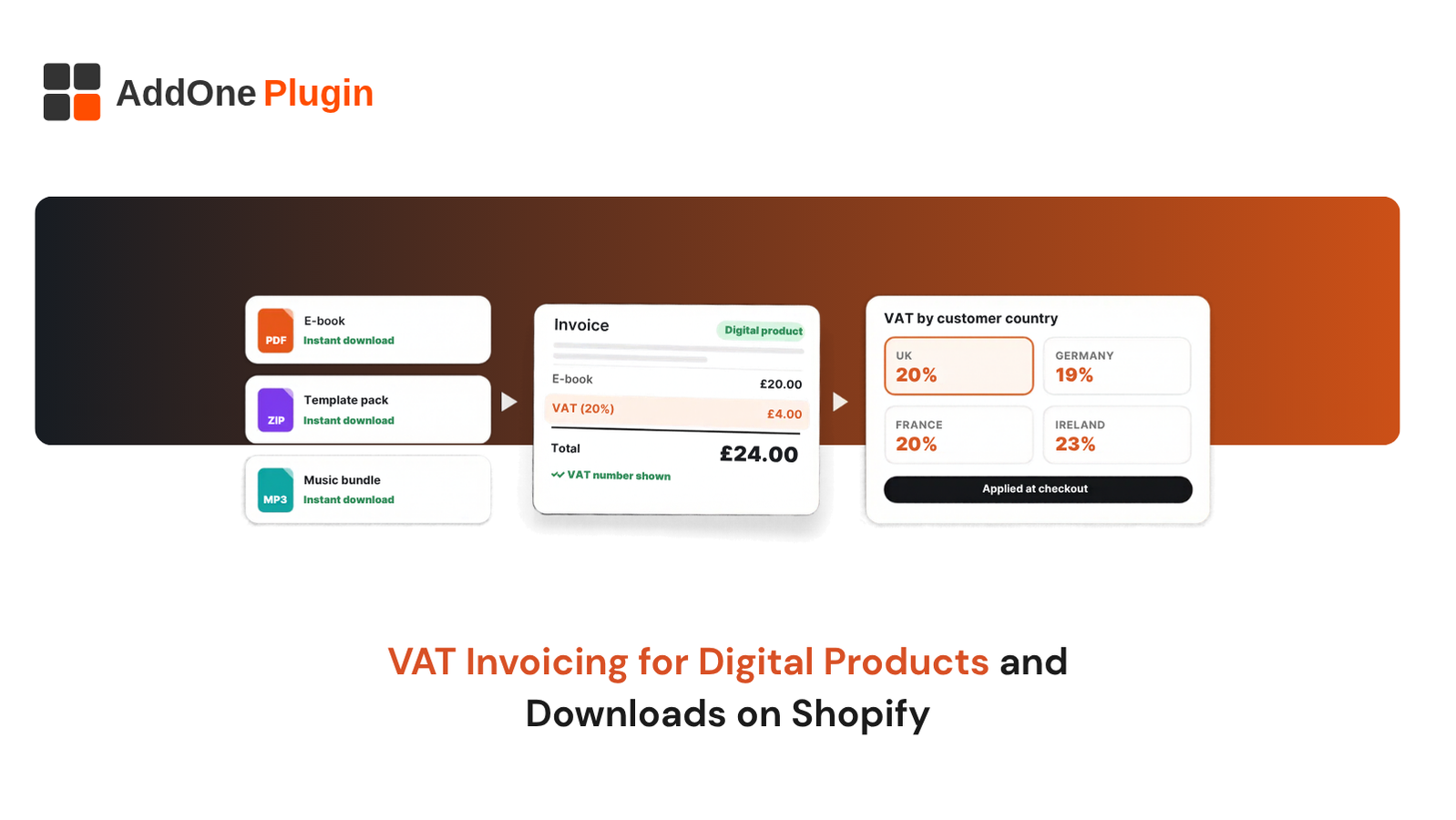
Selling a PDF, template, course or software licence looks simple until the VAT question arrives: which rate, which country, and what goes on the invoice? VAT invoicing for digital products on Shopify follows different rules from physical goods, because the buyer’s location drives the tax and no shipping address exists to lean on.
This guide explains how VAT works for digital downloads, when you must charge it, what a valid VAT invoice contains and how to set up Shopify to produce one. You will also see where built-in tools stop and where apps or custom work fill the gap. Rules come from GOV.UK, the European Commission and Shopify Help Center pages checked in October 2026.
How Does VAT Work for Digital Products and Downloads?
VAT on digital products follows the customer’s location, not yours. A UK seller charges UK VAT on sales to UK consumers once registered, and must check the rules in any other country where consumers live. Business customers with a valid VAT number are treated differently under the reverse charge.
What Counts as a Digital Product or Electronically Supplied Service
HMRC describes electronically supplied services as services automatically delivered over the internet or an electronic network with minimal or no human intervention. Typical examples are e-books and other digitised documents such as PDFs, images, music, films, games, software, software updates and web hosting.
HMRC’s own examples help. A PDF downloaded automatically from your site counts, and so does a PDF automatically emailed by your system.
A pre-recorded online course with downloadable files counts too. A course that adds support from a live tutor does not, and neither does a live webinar or individually commissioned content such as a bespoke report. A PDF that you email manually is also outside these rules.
Electronic versions of books, booklets, brochures, newspapers and similar publications are zero-rated for UK VAT, but audiobooks, publications that are mostly advertising, and intellectual property such as plans or drawings stay standard-rated. If your product mixes digital and physical items, HMRC expects you to decide whether it is one bundled supply or several. Read the GOV.UK guidance on VAT rules for digital services supplied to consumers, and contact HMRC if you are not sure how your product is classed.
Place of Supply: Why the Customer’s Location Decides the Rate
Place of supply is the country where VAT is due. For digital services sold to consumers, it is the place where the consumer usually lives. GOV.UK gives the example of a UK expat living in Spain: the supply is taxed in Spain.
Supplies of digital services to UK consumers are liable to UK VAT.
Supplies to consumers outside the UK are not liable to UK VAT, but they may be liable to VAT in the buyer’s country. Because the location drives the rate, you need evidence of where the buyer lives. HMRC accepts items such as the consumer’s billing address, the IP address of their device, bank details or a SIM card country code. Shopify gives you the billing address and IP address for every order.
Why This Is Different From Physical Goods
A physical order has a shipping address, a carrier and a delivery date. A download has none of these, so the shipping address field tells you nothing about where the buyer lives. The billing address and supporting evidence do the job instead.
This also changes how Shopify behaves. Shopify’s own guidance says digital products do not need the physical product setting, and some Shopify VAT features depend on a shipping destination in the UK or EU. Test a digital-only order from checkout to confirmation before you launch, and do not assume a physical-goods setup works unchanged. If you sell through a third-party platform or marketplace, HMRC says the platform may be responsible for accounting for the VAT instead of you, so check who the supplier is.
When Do You Need to Charge VAT on Shopify Digital Products?
Charge UK VAT once your taxable turnover passes £90,000 over a rolling 12 months, or sooner if you register voluntarily. Sellers based outside the UK must register for UK VAT from their first sale to UK consumers. Selling to EU consumers is a separate question, handled through an EU One Stop Shop or local registrations.
UK Sellers: Threshold and Registration
You must register for UK VAT if your taxable turnover for the last 12 months goes over £90,000, or you expect it to pass £90,000 in the next 30 days. You then register within 30 days of the end of the month you crossed the limit. Taxable turnover is the total value of everything you sell that is not VAT exempt or out of scope, so ask HMRC or your accountant how your sales to overseas consumers should be counted.
If you register voluntarily below the limit, you charge VAT from the date HMRC registers you. If your business is based outside the UK and you supply goods or services to the UK, you must register whatever your turnover. Our guide to registering a Shopify business in the UK walks through the registration steps.
Selling to EU Consumers: OSS and Non-EU Sellers
After Brexit, a UK business is a non-EU seller. For digital services to EU consumers, GOV.UK says you either register for the Non-Union scheme in one EU member state or register for VAT in each state where you sell.
The European Commission explains that under the non-Union One Stop Shop you can choose any Member State as your Member State of identification. You submit a return for each calendar quarter, with a nil return if you made no supplies, and send it with payment by the end of the month following the quarter. Keep OSS records for 10 years from the end of the year of the sale.
Shopify notes that its admin has no separate option for a Non-Union OSS registration, so confirm how your tax setup handles it. Do not assume that any EU sales threshold relief applies to a UK business without checking, and read the Commission’s guidance on declaring and paying VAT in the OSS. If you also ship physical goods to the EU, see our guide to EU customs fees for Shopify stores.
Selling to the US and Other Countries
GOV.UK states that digital services supplied to consumers outside the UK are not liable to UK VAT. They can be liable to VAT, or an equivalent tax, in the customer’s country. HMRC tells UK businesses to check the rules in that country, because you can be required to register there.
The United States works differently from VAT, because sales tax rules vary by state. Shopify’s own guidance says that in some jurisdictions you do not need to charge sales tax on digital products, and that you should check with a local tax expert. Set up tax regions only for places where you are registered, and take advice before you sell into a new market.
B2B vs B2C and the Reverse Charge
If a customer gives you a valid VAT number, you can treat the sale as business to business. The customer accounts for VAT in their own country, which is the reverse charge. If they give no valid number, treat the sale as a consumer sale and charge the VAT due in their country. A customer cannot insist on B2B treatment without a valid number, although you can choose to accept other evidence that they are in business, such as a link to their business website.
Shopify can validate VAT numbers at checkout and remove VAT automatically, but only for shipments from an EU fulfilment location to another EU country or to the UK. It does not apply to UK to EU or UK to UK orders, so UK sellers need a manual step, an app or custom checkout work. Validation confirms a number is valid at that moment, not that the buyer is entitled to use it. Check UK numbers with HMRC’s check a UK VAT number service, and EU numbers on the VIES system run by the European Commission.
What Must a VAT Invoice for Digital Products Include?
A full VAT invoice must show a unique sequential number, the time of supply, your name, address and VAT number, the customer’s name and address, a description of what you sold, the VAT rate and amounts, and the total VAT in sterling. You must give one to a VAT-registered business customer for standard-rated or reduced-rated supplies.
HMRC says you do not need to issue VAT invoices to customers who are not VAT registered. In practice, issue one whenever a customer asks, because you cannot tell who is registered.
Required Fields on a Full VAT Invoice
HMRC’s VAT guide (Notice 700) lists these details for any VAT invoice:
- A sequential number, based on one or more series, that uniquely identifies the document.
- The time of supply (tax point), and the issue date if different.
- Your name, address and VAT registration number. If you use a trading name, the registered name and address must still appear somewhere on the document.
- The customer’s name and address.
- A description sufficient to identify the goods or services.
- For each line: the quantity or extent, the VAT rate and the amount excluding VAT.
- The gross total payable excluding VAT, and the rate of any cash discount offered.
- The total VAT chargeable, expressed in sterling.
Invoices can use a foreign currency, but the VAT total must appear in sterling. You must normally issue the invoice within 30 days of the tax point. The full rules are in VAT Notice 700, section 16.
Simplified Invoices and When They’re Allowed
You can issue a simplified invoice when the sale is £250 or less and the customer agrees. It shows your name, address and VAT number, the tax point, a description of what you sold, and for each VAT rate the total payable including VAT and the rate. Anything above £250 needs a full VAT invoice.
EU rules differ. For sales reported under the non-Union OSS scheme, the European Commission says there is in general no obligation to issue an invoice, and if you choose to, the rules of the Member State where you registered apply.
Customer Location Evidence and Record Retention
Cross-border digital sellers must get and keep two pieces of evidence of where the customer normally lives. For small businesses using a payment provider, HMRC suggests this approach: ask for the billing address or phone country code at the point of sale, get the 2-digit country code of the consumer’s country from your payment provider, and record the details if the two match. If they differ, contact the customer to resolve the discrepancy.
Keep VAT records for at least 6 years. EU OSS records must be kept for 10 years from the end of the year of the sale. Store the invoice, the location evidence and the order data together so one export answers any query.
How to Set Up VAT Invoicing for Digital Downloads on Shopify
Setup comes down to four jobs: tax settings, checkout data, invoice delivery and refunds. Do them in that order, and test each with a real order. The steps below use Shopify Help Center guidance as of October 2026, and Shopify changes its admin often, so confirm labels in your own store.
Configure Shopify Tax Settings and Digital-Product Tax Overrides
Go to Settings, then Taxes and duties. Choose Shopify Tax or manual tax settings, and add your registrations. For EU buyers, Shopify offers a Charge VAT on digital goods option in the Tax calculations section. It creates a Digital Goods VAT Tax collection, and every product you add receives the VAT rate for the buyer’s country based on the billing address.
To remove tax from a single product, untick Charge tax on that product and make sure the Physical product setting is off for downloads. You can also set up tax overrides for products where default rates do not apply. Shopify documents the digital goods VAT rates for EU countries, so confirm how UK VAT applies to your products by placing a test order from a UK billing address and checking the rate on the result. Shopify’s digital product taxes guide has the full steps.
Capture the Buyer’s VAT Number and Billing Country at Checkout
The billing country is your main location evidence, so make sure checkout collects a full billing address for digital orders. For business buyers, Shopify lets you set the Company VAT number field to Optional in checkout settings. Numbers entered are validated and saved to the customer profile.
Review suspicious orders and check the number independently before you rely on it. If you need a field that Shopify’s checkout does not offer, custom checkout work fills the gap.
Attach the Invoice to the Order Confirmation and Download Email
Shopify generates VAT invoices when you activate them in Taxes and duties. According to Shopify, an order qualifies when it is shipped to a destination in the UK or EU, VAT is calculated on it (even at zero), duties were not charged and it was placed through Shopify checkout. Customers can save or print the invoice from their order pages, and Shopify does not email it automatically.
Because the documented rules refer to a shipping destination, do not assume a digital-only order with no shipping address will generate an invoice. Place a test order and check. If it does not, you can edit the order confirmation and download email templates to point customers to a document you generate another way, or use an app.
Handle Refunds, Credit Notes and Multiple Currencies
Keep a record of every credit or refund you give a customer, because credit and debit notes you issue are part of the records HMRC expects you to hold. A refund also changes the VAT in your account for that period, so your accounting must reflect it. Digital sales carry a 14-day cancellation right unless the customer agrees to an instant download and confirms they lose that right.
If you show prices in euros or dollars, the invoice can use that currency, but the VAT amount must appear in sterling. Use one consistent exchange-rate method and record it. Check how your invoice tool handles refunds before you rely on it.
Which Apps and Tools Can Automate Shopify VAT Invoices?
Three routes automate VAT invoices: Shopify’s built-in feature, a dedicated invoice app and your accounting software. Each fits a different store. Disclosure: we also run Add One Plugins, which builds Shopify apps, so we have an interest in this category. We set out what to look for so you can judge any option, including ours, against the same list.
What to Look for in a VAT Invoice App
Check an app against the list you built in the previous section:
- All required fields, including sequential numbering and your VAT number.
- Your legal name on every invoice.
- Support for digital-only orders with no shipping address.
- Reverse charge wording for business customers.
- Credit notes for refunds.
- A sterling VAT total on foreign-currency orders.
- Email delivery or attachment to the confirmation email.
- PDF storage and export for your 6-year records.
- Sync with your accounting software.
- Clear pricing, support and a track record in the Shopify App Store.
Built-in Shopify vs App vs Accounting-Software Invoicing
| Option | Strength | Watch-outs |
|---|---|---|
| Built-in Shopify VAT invoices | Native, tied to your tax settings | Documented rules refer to a UK or EU shipping destination; shown on order pages, not emailed |
| Dedicated invoice app | More control over templates and email delivery | Features and pricing vary by app, so test with digital orders |
| Accounting-software invoicing | Numbering and ledger live in one place | Sync timing, fees and customer-facing delivery need setup |
Whichever you choose, check the output against the field list above. InvoiceForge is our own Shopify app, listed on the Shopify App Store. It is a drag-and-drop PDF invoice builder for Shopify with branded templates, conditional VAT/GST fields, bulk PDF generation, and automatic invoice emails triggered by order status changes.
It is one option among several, so test any app against your own digital orders and your accountant’s requirements, and see how invoicing compares on each platform in our guide to Shopify vs WooCommerce for B2B invoicing. You can read more about Add One Plugins on our site.
Common Mistakes to Avoid
These errors show up repeatedly in digital stores:
- Using the shipping address, or no address, instead of billing details and evidence.
- Collecting one piece of location evidence when two are needed.
- Treating a buyer as a business without a valid VAT number.
- Leaving your VAT number or legal name off invoices.
- Showing the VAT total in a foreign currency only.
- Assuming Shopify’s automatic reverse charge covers a UK seller.
- Keeping records for less than 6 years.
- Registering for VAT late, which our guide on what to do after missing a UK tax deadline explains how to handle.
Need Custom Checkout and Invoice Flows? Inshalytics Can Build Them
Before you commission anything, write down four answers: where your buyers live, which VAT status you hold, whether you sell to businesses and which invoice fields you must show. A clear brief saves build time and cost. Inshalytics is a web development and marketing agency, not a tax adviser, so we build to the rules your accountant confirms.
Custom Invoice Templates and Checkout Fields
We design invoice templates that carry every required field, in your branding, and add checkout fields for VAT numbers or billing details that Shopify does not collect by default. We test each template against the field list in this guide and against your accountant’s requirements, using real digital orders from different countries.
You approve the layout and the wording before anything goes live, and we keep the template editable so your team can update details such as your address or VAT number.
Digital-Delivery and Order-Email Setup
We configure how downloads reach your customer and what the order email says. That includes the download link, the invoice link or attachment and the cancellation-right wording for instant downloads. We also set up a clear record of what the customer agreed to at checkout, so your terms and your delivery flow match from the first click to the final email. We test the full journey on a real digital order before launch.
Integration With Your Accounting Software
We connect orders, refunds and invoices to your accounting software so the data trail runs from checkout to ledger without re-keying. Your accountant gets consistent numbers for each VAT period, with refunds and credits matched to the original sale. We map the fields with your accountant so the numbers land in the right place.
Need expert guidance on your tax-settings and invoice flow? Our team specialises in Shopify checkout and order-email builds. Book a free consultation and we will map your setup.
What Are the Next Steps to Stay VAT-Compliant?
Confirm your VAT status, set Shopify to charge the right rate by buyer location, issue invoices with every required field and reconcile each period. Then keep the evidence for 6 years. Compliance is a monthly habit, not a one-time setup.
VAT on digital products rewards sellers who treat location, invoices and records as one system.
Get the settings right once, test with real orders in each country you sell to and review them whenever your product range or markets change. If you want a store where tax settings, checkout and invoices work together, Inshalytics builds that. Get in touch for a free consultation, and bring your accountant’s requirements. You stay in control of the rules, and a well-built flow makes following them easy.
VAT Returns and Reconciliation for Digital Sales
VAT-registered businesses usually file a return every 3 months. The deadline for submitting and paying is one calendar month and 7 days after the period ends. HMRC states that VAT-registered businesses should now be signed up for Making Tax Digital for VAT, so file through compatible software. OSS returns run on their own quarterly calendar.
Each period, export tax collected by country from Shopify, match it to your invoices and refunds, and reconcile to your payouts. Investigate any gap before you file, not after.
A Compliance Checklist for Digital Sellers
Run this list each quarter and keep a dated copy as proof of your process:
- Check rolling 12-month taxable turnover against £90,000.
- Confirm your VAT registrations and numbers appear on invoices.
- Review tax settings and overrides for every product collection.
- Sample five orders per region to confirm rate, evidence and invoice.
- Confirm refunds and credits are recorded.
- Check archived invoices and location evidence are stored for 6 years (10 for OSS).
- Review any new product types for the correct VAT treatment.
When to Ask an Accountant
Ask an accountant before you register for an EU scheme, when you cross £90,000, when you sell to businesses abroad, when you bundle digital and physical items, and when you are unsure of the rate on a product such as an e-book. Bring your Shopify tax report and a sample invoice.
This article is general information, not tax or legal advice. VAT rules change, so confirm your position with a qualified accountant or HMRC before you act.