
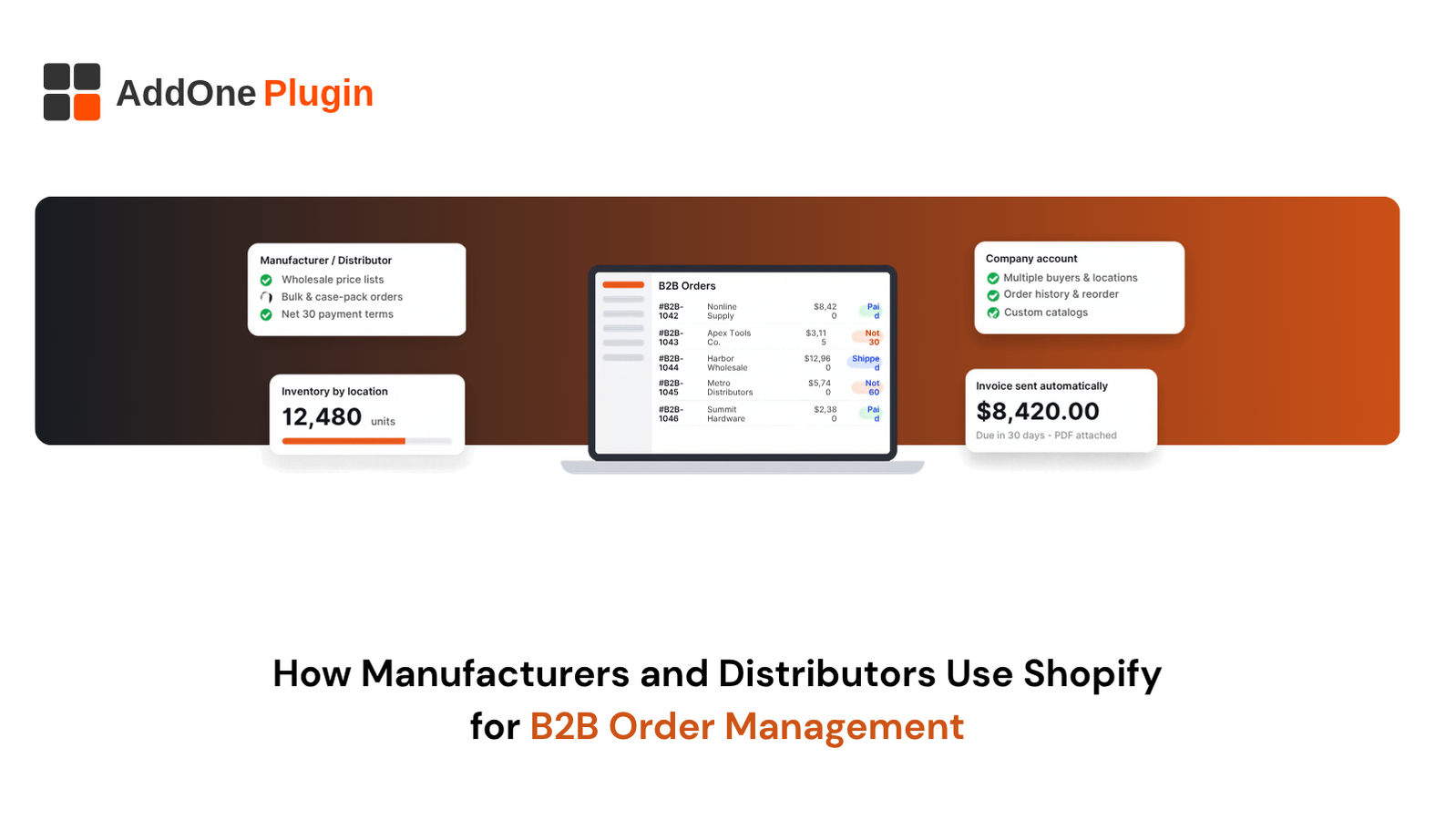
A distributor’s sales rep spends Monday morning retyping emailed purchase orders into a system built fifteen years ago. Meanwhile, buyers want to order at 9 p.m. without calling anyone. Shopify B2B order management gives manufacturers and wholesale distributors a way to close that gap with self-serve ordering, buyer-specific pricing, and payment terms in one storefront.
This guide explains why manufacturers are making the move, how the system works, where it handles complex workflows, how to connect it to your ERP, and how to decide whether it fits your business. You will leave with a clear picture of what Shopify does well and where you need extra help.
Why Are Manufacturers and Distributors Moving to Shopify for B2B?
Manufacturers and distributors move to Shopify because it replaces slow, manual ordering with a self-serve storefront that buyers can use any time. It combines a modern buying experience with B2B features like company accounts, custom pricing, and payment terms, often with less upkeep than a legacy portal.
The move is rarely about chasing a trend. It is about removing cost and friction from a process that has not changed in years. The three sections below cover the pain points, the savings, and who is making the switch.
Limits of Legacy Portals, EDI and Email Ordering
Legacy portals are slow to change. A simple update, like a new product page or a pricing tier, can turn into a developer ticket that waits in a queue. Mobile support is often poor, and buyers notice.
EDI works for large trading partners, but it is rigid and can be costly to set up for smaller accounts. Email and phone ordering fills the gap, and that is where errors creep in. Every retyped line item is a chance for a wrong SKU or quantity. Many manufacturers run all three channels at once, which means three places to check when an order goes wrong.
Self-Serve Ordering and Lower Cost to Serve
Cost to serve is the effort it takes your team to handle each order. Self-serve ordering cuts it. When buyers place orders themselves, your reps stop acting as data entry staff and start focusing on account growth.
Buyers gain too. They see their own pricing, check stock, and track orders without waiting for a reply. Your team answers fewer “where is my order?” messages. Start by listing the tasks your staff repeat daily. Each one that a portal can handle is a saving you can measure.
Real-World Use Cases by Industry
Different industries use Shopify B2B in different ways. Food and beverage producers sell cases to restaurants and retailers on recurring schedules. Building and industrial suppliers sell large SKU catalogs to contractors who reorder often. Beauty, apparel, and consumer goods brands run wholesale and direct sales from one store.
Each use case leans on different features: case packs and minimums for food, bulk entry for supplies, separate catalogs for wholesale and retail. Map your own buyers to one of these patterns before you plan the build. Once buyers are ordering online, order history and reorder tools are usually the first upgrade that pays back.
How Does Shopify B2B Order Management Work?
Shopify B2B order management works by organizing buyers into company accounts, giving each location its own catalog and payment terms, and routing orders through a standard Shopify checkout and fulfillment flow. Buyers log in, see their negotiated prices, place orders, and track them. Your team manages everything from the admin.
Plan availability and limits change over time, so confirm current B2B features and caps in Shopify’s B2B documentation before you build.
Company Accounts, Locations and Buyer Permissions
A company account represents a business customer. Under it, you add locations, such as branches or warehouses, and contacts, who are the people that buy. Per Shopify’s company documentation, each location can have its own tax IDs, shipping and billing addresses, catalogs, and payment terms.
Permissions control what contacts can do. Shopify offers an ordering-only role, where a buyer can purchase and review their own orders, and a location admin role, which can also view all orders for the location and update addresses. Set this structure up before importing accounts. If your customers are large, with many branches and approvers, a clean account hierarchy saves hours of cleanup later.
Price Lists, Catalogs and Volume Pricing
Catalogs let you show different products and prices to different buyer groups. A distributor might give a gold-tier account one price list and a new account another. Volume pricing rewards larger orders with lower unit prices, and quantity rules let you restrict how many items a buyer can purchase in an order.
Limits apply. According to Shopify’s catalogs documentation, the Basic, Grow, and Advanced plans allow up to 3 active catalogs, while Plus allows unlimited catalogs. Check this against your pricing structure before you commit to a plan, and keep your pricing logic simple at launch. Three clear tiers beat twelve confusing ones.
Draft Orders, Net Terms and Payment Options
Wholesale buyers rarely pay by card at checkout. Shopify supports payment terms such as net 7, 15, 30, 45, 60, or 90 days, plus due on fulfillment, so buyers can place an order now and pay later. You can set terms at the location or company level, and they also apply to draft orders your team creates for phone or sales-assisted deals.
Payment options matter for cash flow. Decide who can use terms, how you handle credit checks, and what happens when an invoice goes unpaid. Shopify’s documentation covers optional percentage-based deposits, which are limited to Plus, so confirm what your plan offers. For deeper credit control, check whether you need an app or your accounting system, and see how Shopify and WooCommerce compare for B2B invoicing.
Fulfillment, Partial Shipments and Order Statuses
After an order is placed, Shopify tracks it through fulfillment. You can ship an order in parts, which matters when stock arrives in stages. Buyers see status updates and tracking details in their account.
Clear statuses reduce support calls. Write status messages in plain terms: confirmed, in production, partially shipped, delivered. If your fulfillment runs through a warehouse system or third-party logistics provider, connect it so tracking flows back automatically. Buyers should never have to ask where an order stands.
Can Shopify Handle Complex Distributor Workflows?
Shopify handles many distributor workflows natively and covers the rest through apps, Shopify’s APIs, and custom development. Standard company accounts, catalogs, and terms work out of the box. Approval chains, advanced inventory rules, and deep ERP logic usually need added tools. Knowing that line early prevents surprises.
Treat this as a fit check. List your most complicated workflows first, then test each against the options below.
Quotes, Purchase Orders and Approval Flows
Many B2B deals start with a quote and end with a purchase order. Shopify draft orders let your team build an order at negotiated prices and send the buyer an invoice with a secure checkout link, which covers basic quoting.
Multi-step approvals are different. If a purchaser needs manager sign-off above a spending limit, you will likely need an app or custom logic. Write down your approval rules in plain language first. Clear rules make it far easier to pick or build a tool that matches.
Inventory, Multi-Warehouse and Backorder Handling
Shopify tracks inventory across multiple locations, which helps distributors who ship from several warehouses. Backorders and pre-orders usually need an app or a custom setup, depending on how you want them to behave.
Complex rules, like allocating stock to key accounts or reserving inventory for contracts, often require your ERP to stay the source of truth. Decide which system owns inventory counts. Shopify should display what the ERP confirms, not guess.
Where You’ll Need Apps or Custom Development
Some needs sit outside native features. Common examples include credit limit enforcement, approval workflows, product configurators, unit-of-measure conversions, and custom pricing rules based on contracts.
Apps solve many of these. Custom development fills the gaps that apps cannot, particularly where several systems must agree. Before you buy anything, rank each gap by revenue impact. Fix the ones that block orders first, and leave the nice-to-haves for later.
How to Connect Shopify B2B Order Management to Your ERP and Back Office
Connecting Shopify to your ERP turns a storefront into a working part of your operation. The goal is simple: data should move without anyone retyping it. Orders flow in, inventory and pricing flow out, and invoices and shipping updates flow back.
Integration choices range from prebuilt connectors to custom middleware. Your ERP, order volume, and rules decide which fits.
Inventory and Pricing Sync Options
Start with the two data sets that change most: stock levels and prices. A connector can push both from your ERP to Shopify on a schedule or in near real time.
Pick the frequency that matches your risk. A fast-moving catalog with limited stock needs frequent updates to avoid overselling. A stable catalog can sync a few times a day. Decide how the system handles errors, such as a failed sync or a missing SKU, and who gets alerted.
Order, Invoice and Shipping Data Flows
Orders need to reach your ERP quickly and accurately, with the right customer, terms, and tax details. From there, invoices and shipment updates should return to Shopify so buyers see them in their account.
Map each field before you build. Small mismatches, such as how the two systems name a customer or format an address, cause most integration failures. Test with real order samples, including edge cases like partial shipments and credits.
Marketing Automation for Reorders and Account Reactivation
Once order data is clean, you can use it. Trigger reorder reminders when an account passes its usual buying gap. Send reactivation emails to accounts that have gone quiet. Alert reps when a top account drops its order size.
These flows depend on accurate history. Start with one flow, measure it, and expand. Slow payment can undercut all of this, so it is worth understanding how your payment gateway affects cash flow on B2B orders.
Building Your Shopify B2B Store: What an E-commerce Development Partner Does
A strong B2B store takes more than turning on features. A development partner plans the structure, builds the storefront, connects your systems, and sets up measurement. The right partner starts by learning how your buyers order today, then designs a store that makes that process faster.
Here is what the work includes, and where it creates value.
Store Architecture, Theme and Wholesale Storefront Design
Architecture comes first. A partner decides how to structure companies, catalogs, collections, and navigation so buyers find products fast. They also decide whether wholesale and retail live in one store or separate ones.
Design then supports the buying task. Wholesale buyers want dense product grids, quick order forms, visible stock, and clear pricing, not lifestyle imagery. A theme tuned for B2B shows what buyers need and hides what they do not. This is the work the e-commerce team at Inshalytics does for wholesale brands.
Custom Integrations and Checkout Customizations
Integrations connect Shopify to your ERP, warehouse, tax, and accounting tools. Checkout customizations handle business rules, such as minimum order values, purchase order fields, or payment method restrictions by account.
If you are moving from another platform, a partner also plans the migration: customer accounts, order history, pricing, and URL redirects. Good planning keeps buyers’ history intact and avoids lost rankings.
Not sure where to start? We offer a B2B Shopify readiness audit that reviews your catalog, pricing, and systems and shows what the move would take.
SEO, Analytics and Reporting for B2B Catalogs
Many B2B buyers search for products by part number, spec, or category before they ever contact you. Clean product data, descriptive category pages, and structured content help those buyers find you.
Analytics then show what works. Track reorder rate, revenue by account, top-searched products, and quote requests. Catalog SEO helps buyers find you, and reporting shows which pages earn orders.
Is Shopify Right for Your Manufacturing or Distribution Business?
Shopify suits manufacturers and distributors who want self-serve ordering, faster storefront updates, and lower platform upkeep. It fits less well when your pricing, approvals, or product configuration are extremely complex and tied deeply to custom systems. Most businesses land in between and need some integration work.
Use the tools below to place yourself.
Readiness Checklist
Answer these questions honestly:
- Can you describe your pricing rules in a clear document?
- Is your product data clean, with consistent SKUs, titles, and attributes?
- Do you know which system owns inventory, customers, and orders?
- Can your ERP exchange data through an API or connector?
- Do your buyers want to order online?
Four or five yes answers mean you are ready to plan. Fewer means you should clean up data and processes first. That prep work pays off on any platform.
Plus vs Standard Plans for B2B
Shopify’s pricing page lists B2B capabilities across its plans, with the main documented difference being catalog capacity: Basic, Grow, and Advanced allow up to 3 catalogs, and Plus allows unlimited catalogs. Plus also unlocks some extras, such as percentage-based deposits on payment terms.
Decide by your needs: the number of catalogs, volume pricing display, automation, and API capacity. Smaller operations with a few price tiers may do well on a standard plan. Larger distributors with many price tiers often lean toward Plus. Plans and pricing change, so check Shopify’s current plan details before you budget.
Shopify can handle B2B order management for many manufacturers and distributors, and the smart move is to match its strengths to your workflow before you build. Map your buyers, clean your data, connect your ERP, and add apps or custom work only where gaps block revenue. Done well, Shopify B2B order management lowers your cost to serve and makes ordering easy for buyers. Ready to find out where you stand? Request a B2B Shopify readiness audit from Inshalytics and we will show you what your move would take. Your next big account is ready to order online.