
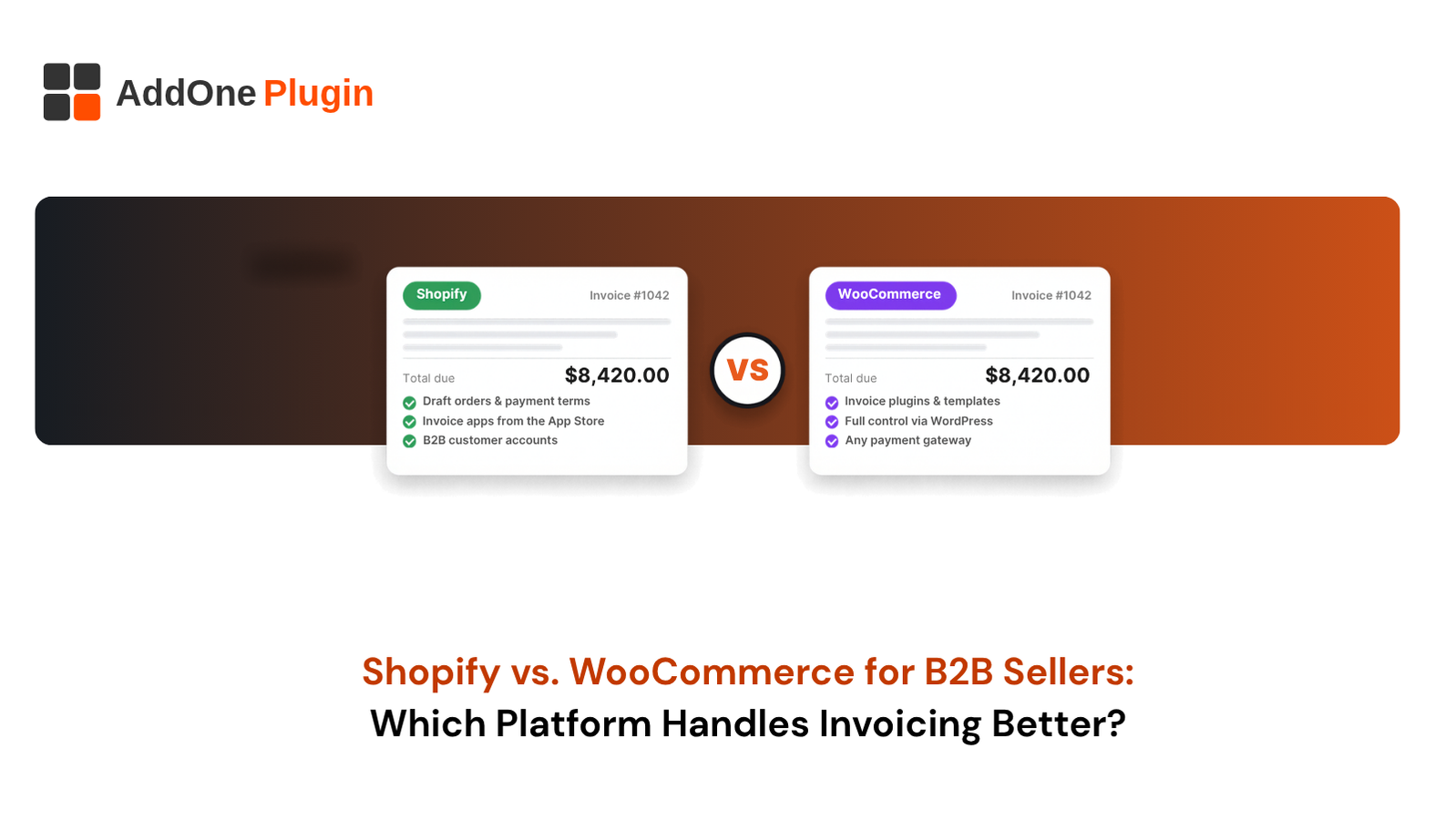
A wholesale order is not finished when the buyer clicks “place order.” It is finished when the invoice is accurate, sent, tracked, and paid. That makes the Shopify vs WooCommerce B2B invoicing decision more important than most platform comparisons admit. Both platforms can invoice business buyers, but they do it in different ways, with different costs and trade-offs.
This guide breaks down what B2B sellers need, how each platform handles invoicing, a side-by-side comparison, and how to choose. We also cover when custom work or a migration makes sense, so you can pick a setup that fits how you get paid.
What B2B Sellers Need From Invoicing
B2B invoicing is more demanding than consumer checkout. Buyers pay later, reference purchase orders, and send invoices through their own approval chains. Your platform has to support that process without adding manual work for your team.
Three needs matter most: flexible payment terms, professional documents, and clean data flow into accounting. Use them as a scorecard when you compare platforms below.
Net Terms, Credit Limits and Purchase Orders
Net terms let buyers pay after delivery, such as net 30 or net 60. Many wholesalers also set credit limits, so a buyer cannot order past an approved balance. Purchase order numbers tie your invoice to the buyer’s internal records.
Ask these questions of any platform: Can I set terms per customer? Can I cap credit? Can buyers enter a PO number at checkout? Can I take deposits or partial payments? A platform that answers yes natively saves you from stacking extensions.
Branded, Tax-Compliant PDF Invoices
Buyers expect a professional invoice with your logo, invoice number, payment terms, line items, and tax details. Accounts payable teams reject documents that miss required fields.
Tax rules vary by region. In the UK, for example, GOV.UK guidance on VAT invoices says an invoice must include your VAT number and show the VAT separately. Other places add their own rules on numbering or tax identification numbers, so confirm your requirements with your accountant. Then check whether the platform generates compliant PDFs itself or relies on an add-on. Our guide to VAT invoicing for digital products on Shopify goes deeper on tax invoices.
Accounting and ERP Sync
Re-entering invoices into accounting software wastes time and invites errors. Look for a sync that sends invoices, payments, customers, and tax data to your accounting or ERP system.
Check the direction of the sync. Orders and invoices should move to accounting, while payment status should come back so your team sees who has paid. Ask how the platform handles failures and duplicates. A sync that silently drops an invoice causes bigger problems than no sync at all.
How Does Shopify Handle B2B Invoicing?
Shopify handles B2B invoicing through draft orders, payment terms, and company accounts, with invoice apps available for branded documents and automation. It offers a structured, hosted approach that works with little setup, though advanced invoicing often depends on apps from the Shopify App Store.
Confirm current features and plan limits in Shopify’s payment terms documentation before you decide, since Shopify updates its B2B tools often.
Native Draft Orders and Payment Terms
Shopify lets you create draft orders in the admin and send the buyer an invoice with a secure checkout link. Payment terms are available at the company or location level, with options from net 7 to net 90 days, due on fulfillment, and fixed dates on draft orders. Payment terms also apply to draft orders your team creates, and buyers can pay early from their account.
This covers a common wholesale flow: a sales rep builds an order, sends the invoice, and tracks payment. It works well for sales-assisted ordering and for buyers who check out on their own with terms. Percentage-based deposits are also available, but Shopify’s documentation limits them to the Plus plan.
Invoice Apps and Automation Options
When native documents do not meet your needs, apps fill the gap. Invoice apps can generate branded PDF invoices, add custom fields, send reminders, and sync with accounting tools.
Choose apps carefully. Check that each app supports B2B company accounts, payment terms, and the tax rules you need. Review how often the developer updates it. Full disclosure: Add One Plugins builds apps for both Shopify and WooCommerce, including InvoiceForge, our own drag-and-drop PDF invoice builder for Shopify with branded templates, conditional VAT/GST fields, bulk PDF generation, and automatic invoice emails triggered by order status changes. Treat it as one option to evaluate alongside others.
Strengths and Limits of Shopify B2B Invoicing
Shopify’s strengths are speed and reliability. Setup is quick, hosting and security are handled for you, and the B2B tools sit inside the same admin as your orders. There is little to maintain.
The limits show up in depth. Native invoice design is basic, credit limit control and deeper invoicing logic may need apps, and some B2B features vary by plan. You also work within Shopify’s structure instead of changing it freely.
How Does WooCommerce Handle B2B Invoicing?
WooCommerce handles B2B invoicing through its core order system plus plugins. Its documentation describes order emails and a manual order screen, and most B2B sellers add extensions for PDF invoices, wholesale pricing, and invoice payment. This approach gives you more control but asks for more setup and upkeep.
Because WooCommerce runs on WordPress, results depend heavily on your hosting, plugins, and developer support. Start with WooCommerce’s order management documentation to see what the core platform covers.
Core WooCommerce Order Emails vs Invoice Plugins
Core WooCommerce sends order confirmation and status emails. It also has an Order Details email that you send manually from the Edit Order screen to share invoice details and a payment link, as described in the WooCommerce email settings documentation. That is useful for sales-assisted orders, but it is not a formal PDF invoice.
Invoice plugins add document features. Depending on the plugin, they can generate PDF invoices, attach them to emails, and let you customize templates. Options range from free to paid, and quality varies. Test any plugin with your real orders, including refunds and partial shipments, before you roll it out.
Pay-by-Invoice Gateways and Wholesale Plugins
Buyers on terms need a way to place an order without paying by card. WooCommerce handles this with offline payment methods, pay-by-invoice options, and wholesale plugins that can add role-based pricing, tax exemption, and minimum orders.
Many wholesale plugins also manage customer roles and net terms. The ecosystem is broad, which gives you choices and also means you must check that plugins work together. Read each plugin’s documentation for what it actually supports before you buy.
Flexibility, Customization and Maintenance Trade-offs
WooCommerce’s biggest advantage is flexibility. You own the code and the data, and a developer can change almost anything. Custom invoice logic, unusual tax setups, and special workflows are all possible.
The trade-off is maintenance. You manage hosting, updates, security, and plugin compatibility. Each plugin adds a dependency. A store with a good developer and a stable stack runs well, while a neglected one breaks at bad moments. Budget for ongoing care, not only the build.
Shopify vs WooCommerce B2B Invoicing: Side-by-Side Comparison
Does Shopify or WooCommerce have better B2B invoicing? Neither wins outright. Shopify is better when you want built-in payment terms, hosted reliability, and low maintenance. WooCommerce is better when you need deep customization or already run WordPress. Both rely on apps or plugins for branded invoices and advanced automation.
The sections below compare features, costs, and specific invoicing needs.
Feature Comparison Table
| Feature | Shopify | WooCommerce |
|---|---|---|
| Payment terms (net 30, etc.) | Built in for company accounts; confirm plan availability | Through plugins or gateways |
| Draft or manual orders | Native draft orders with invoice links | Native manual order creation in admin |
| Branded PDF invoices | Usually via apps | Usually via plugins |
| Credit limits | Usually via apps or custom work | Usually via plugins or custom work |
| Purchase order fields | Through B2B features, apps or customizations | Through plugins or custom code |
| Accounting and ERP sync | Apps, connectors and APIs | Plugins, connectors and APIs |
| Customization depth | Within Shopify’s structure | Very high with developer support |
| Maintenance | Platform-managed hosting and security | You manage hosting, updates and plugins |
Feature availability changes as both platforms update. Verify each row against current documentation before you decide.
Cost of Ownership: Apps, Plugins, Hosting and Plans
Costs differ in shape. Shopify charges a plan fee plus any monthly app subscriptions, and hosting is included. WooCommerce’s core plugin is free to install, but you pay for hosting, premium plugins, security, and developer time.
Compare total cost over a year or more, not the sticker price. Add plan fees, app or plugin licenses, transaction fees, hosting, and maintenance hours. Pricing changes often, so take current figures from Shopify’s pricing page, each app or plugin listing, and your hosting provider.
Which Is Better for Net Terms, Partial Payments and Tax Documents?
For net terms, Shopify has the more direct native path. Its payment terms are built into company accounts. WooCommerce can match this with the right plugins, and the setup depends on which ones you choose.
For partial payments and deposits, check your plan on Shopify, since deposits are limited to Plus, and check plugin support on WooCommerce. For tax documents, both platforms usually rely on add-ons for compliant PDFs, and on Shopify that includes apps like our own InvoiceForge, which offers conditional VAT/GST fields. Review your local rules and test sample invoices with your accountant before launch. If your wider back office is part of the decision, see how manufacturers and distributors use Shopify for B2B order management.
Which Platform Is Right for Your B2B Business?
The right platform depends on your buyers, your team, and your current stack. Start with how you sell, then match the platform to that workflow. The wrong choice usually comes from picking by habit instead of by need.
Best Fit for Distributors and Wholesalers
Distributors with many accounts, repeat orders, and standard terms often do well on Shopify. Built-in company accounts, hosted reliability, and low maintenance let a small team run a busy operation. Read more about reorder experiences in our guide to B2B order history and reorder tools on Shopify.
WooCommerce fits distributors with unusual pricing, heavy customization, or an in-house developer. The control is real, and so is the upkeep.
Best Fit for Mixed B2C and B2B Sellers
Sellers who serve consumers and businesses from one catalog need both experiences to work. Shopify supports wholesale alongside retail, with separate catalogs and pricing per company. WooCommerce handles the same with role-based pricing plugins.
Pick based on where your complexity lives. If retail is the main business and wholesale is a side channel, simplicity matters most. If content and SEO on WordPress drive your traffic, staying on WooCommerce may protect that advantage.
When Migrating Platforms Makes Sense
Migrate when your current platform costs you more time than it saves. Signs include constant plugin conflicts, slow admin, frequent security work, or invoicing that your team fixes by hand every week.
Do not migrate for a single missing feature that a plugin or small custom build can solve. If you are weighing a move, plan what transfers (customers, order history, pricing) and what needs rebuilding, and protect your search rankings with proper redirects. Payment flow matters too, so review how payment gateways affect cash flow on Shopify B2B orders before you commit.
Custom Invoicing and Automation: How an E-commerce Development Partner Helps
Apps and plugins cover the common cases. A development partner covers the rest, whether you run Shopify or WooCommerce. The goal is an invoicing process that matches how your business works instead of forcing your team to work around the platform.
A partner starts by mapping your current process from order to payment, then recommends the smallest change that removes the most manual work.
Custom Invoice Templates and Workflows
Custom templates put the right data where your buyers’ accounts payable teams look for it: PO numbers, ship-to locations, tax IDs, terms, and bank details. Custom workflows route invoices by account type or order size.
For WooCommerce stores, the team at Inshalytics builds these inside your existing setup. For Shopify, we build with apps, APIs, and checkout customizations.
Automated Invoice Reminders and Accounting Integrations
Chasing late payments by hand is slow. Automated reminders send a note before the due date, on the due date, and after it passes, with a link to pay. Set the tone by account, so a long-time buyer gets a softer note than a new one.
Accounting integrations then close the loop. Paid invoices update your books, and your books update the order status. Want a clear view of where your invoicing wastes time? We offer a platform and invoicing workflow assessment.
Invoice Analytics and Reporting
Invoice data shows how healthy your cash flow is. Useful reports include days to pay, overdue balances by account, invoices by terms, and revenue by customer.
Build these in your platform’s reporting, a BI tool, or your accounting system. Review them monthly. Accounts that start paying late often signal trouble before an order drop does.
Neither platform wins every case, so choose the one that matches your buyers, your team, and your growth plans. Shopify offers a managed path with built-in terms, and WooCommerce offers control for stores that need it. Either way, B2B invoicing improves when you map your process first and automate second. Ready to choose with confidence? Request a platform and invoicing workflow assessment from Inshalytics and we will show you the best route for your business. Better invoicing means faster payment and fewer headaches.